
Getting started
Launch AiVRIC quickly with a secure baseline. Follow the four-step flow below, then connect your first cloud account.
Plan workspaces
Map environments to workspaces (e.g., prod, staging, R&D). Align each with data sensitivity and named owners.
- Define owners in IAM groups before inviting users.
- Enable SSO and SCIM first to enforce directory-driven access.
Secure access
Use SSO + MFA; grant least-privilege roles in cloud accounts. Configure break-glass with short-lived tokens.
- Map cloud roles to AiVRIC permission groups.
- Audit login attempts weekly; alert on anomalies.
Connect systems
Connect cloud accounts, Kubernetes clusters, GitHub, and ticketing to start continuous control monitoring.
- Use deployment templates provided per connector.
- Verify data collection scope before enabling enforcement.
Apply guardrails
Enable policy packs for compliance (SOC 2, ISO 27001) and AI safeguards (PII, secrets, jailbreaks).
- Run dry-runs first; review impact report before enforcing.
- Promote to enforce mode after stakeholder sign-off.
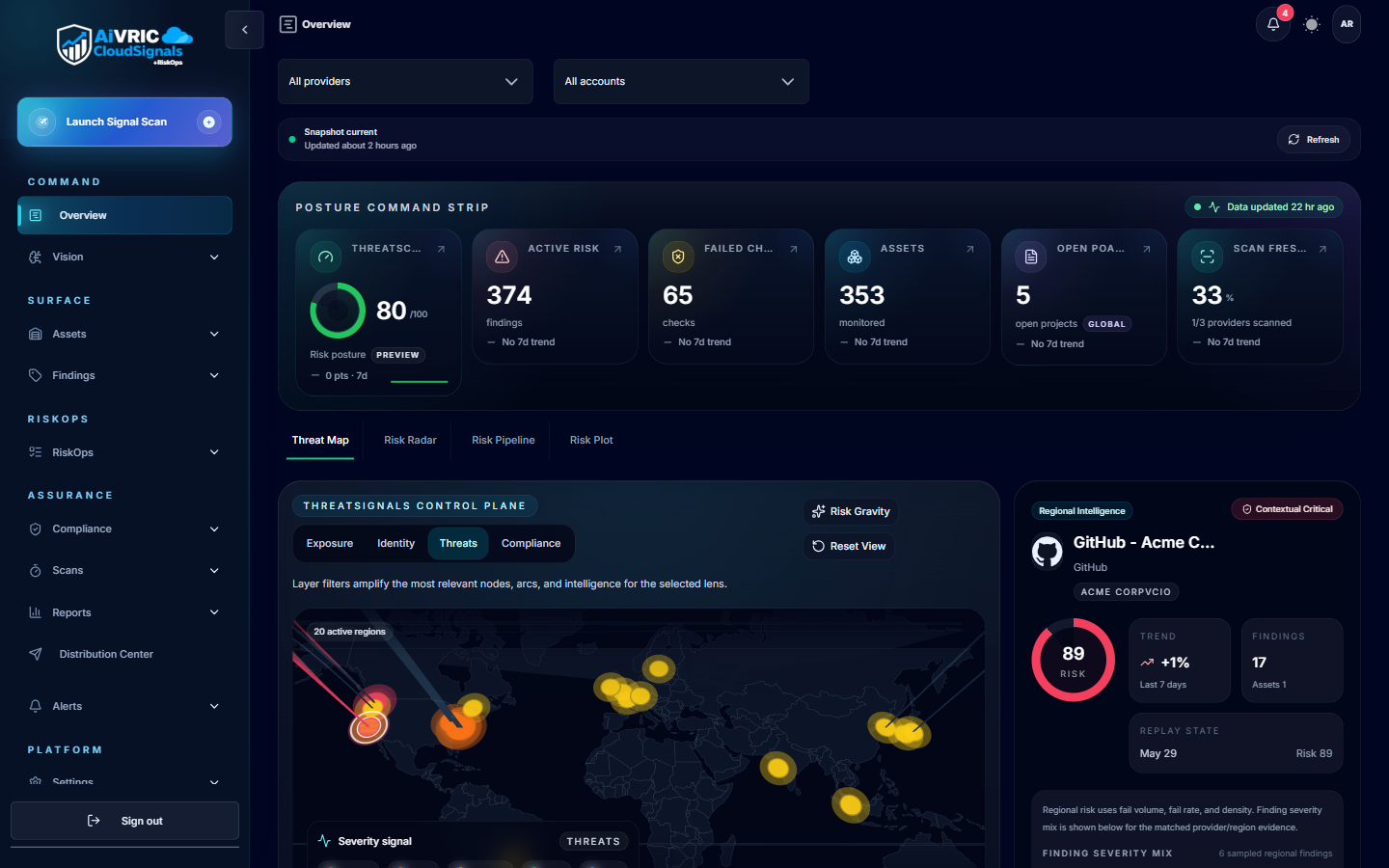
Connect your environment
All connectors are powered by CloudSignals+RiskOps™ — AiVRIC's continuous posture monitoring engine. Every connected provider is audited automatically on a 24-hour cycle.
| Provider | Purpose | Quick action |
|---|---|---|
| AWS | Monitor IAM hygiene, network rules, and resource configurations for drift. | Deploy read-only IAM role via CloudFormation Quick Link. |
| Microsoft Azure | Audit subscriptions for misconfigurations, identity posture, and policy compliance. | Create App Registration + Service Principal; enter Tenant ID, Client ID, Secret. |
| Google Cloud Platform | Scan GCP projects for posture drift and framework control gaps. | Create read-only Service Account; paste JSON key into AiVRIC. |
| Kubernetes | Secure cluster workloads, service account access, and runtime configurations. | Paste kubeconfig; apply read-only RBAC manifests. |
| GitHub | Protect repos, branch protections, secrets exposure, and pipeline tokens. | Connect via PAT, OAuth App, or GitHub App. |
| Microsoft 365 | Monitor tenant controls for SOC 2, PCI DSS, and CMMC compliance. | Register Entra ID app; configure certificate authentication. |
| MongoDB Atlas | Audit database cluster configurations and access controls. | Generate an Atlas API key pair and paste into AiVRIC. |
| Alibaba Cloud | Monitor resource configurations and IAM posture for drift. | Use RAM Role Assumption or static credentials. |
| Jira / ServiceNow | Send findings to owners and track remediation bidirectionally. | Connect via OAuth; map severity to ticket priority. |
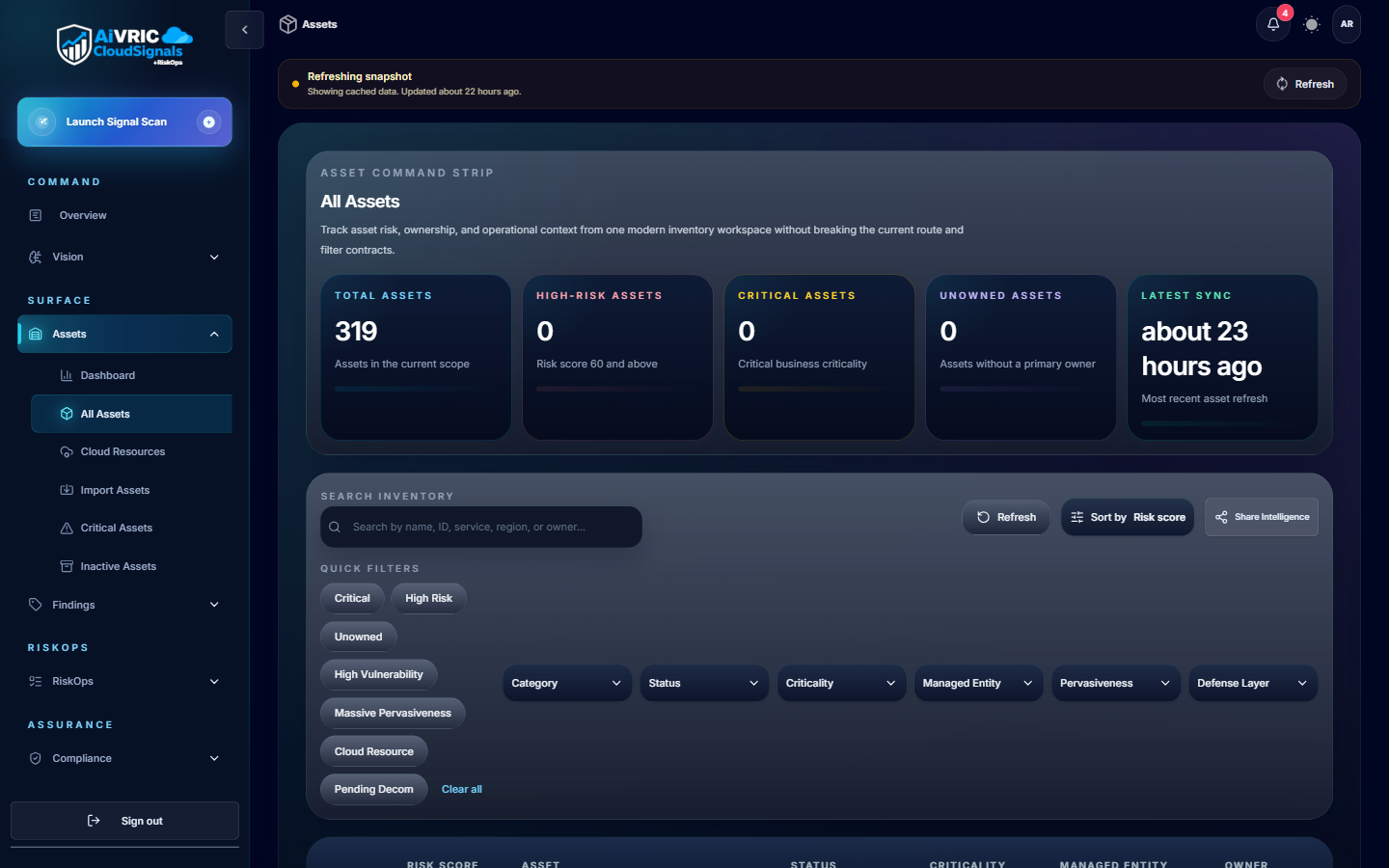
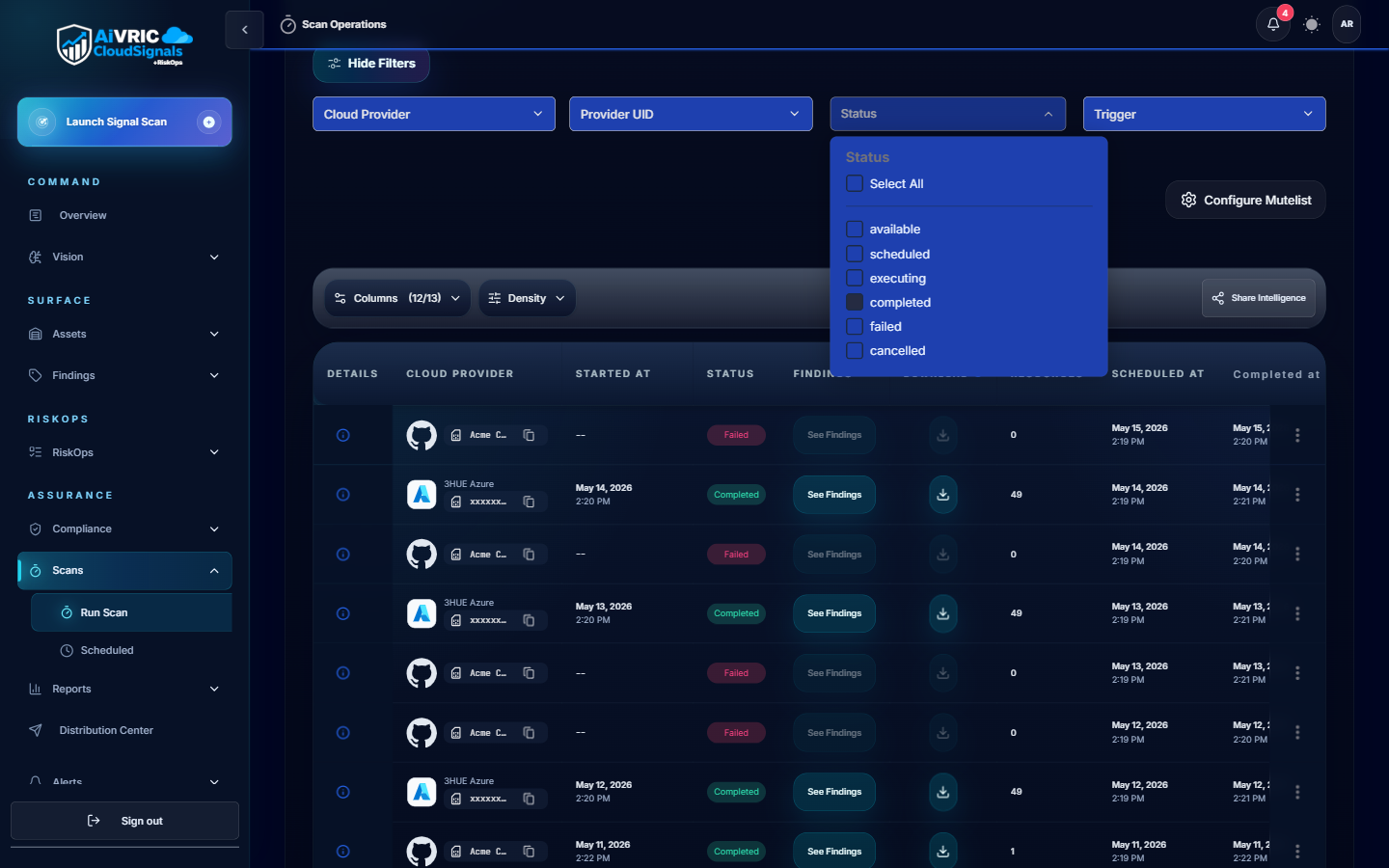
Collaborate and ship
- Approvals: Require dual approval for high-impact guardrails; log who approved and when.
- Change windows: Align policy changes with your release calendar.
- Notifications: Route critical findings to Slack/Teams with runbooks attached.
- Observability: Forward audit logs to your SIEM; tag events by workspace.
- Testing: Validate connectors in staging workspaces before production.
- Ownership: Keep owners visible in tickets for fast escalation.
Resources
Connector setup guides
Step-by-step instructions for all eight supported cloud providers.
View all connectorsCloudSignals+RiskOps overview
Scan cadence, compliance mapping, alerts, SIEM integration, and reporting.
Read the overviewTrust Center
SOC 2 readiness, penetration testing summaries, and data handling details.
Open Trust Center